One place to manage Keystone across your institution.
Manage roles, permissions, institutional settings, and branding in one place, and connect Keystone to the supported learning tools and LMS platforms your institution already runs. Administration stays simple as programs, people, and systems grow.
Connect Keystone to the systems you already use.
Connect supported learning tools and LMS platforms so curriculum work, administration, and delivery stay aligned across your existing technology environment.
Deliver Keystone learning inside supported LMS platforms, so learners stay where they already are.
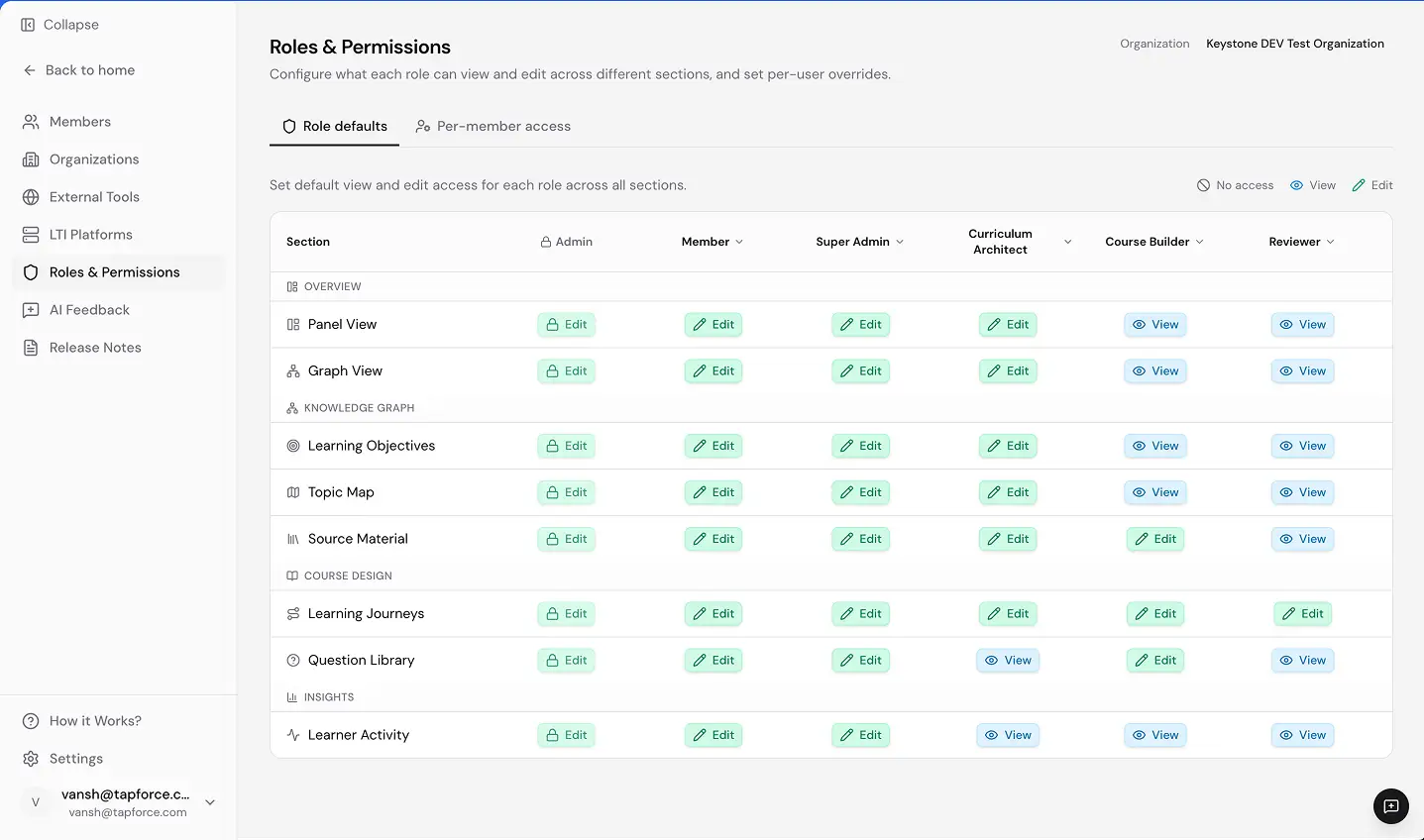
Access that follows the work.
Set access by role and responsibility, so educators, administrators, and reviewers work within the programs and permissions their roles require. As programs expand and teams change, update permissions from one place rather than program by program.
Make Keystone feel like part of your institution.
Apply your institution’s logo, domain, and brand settings across the platform. Educators and learners experience Keystone as part of the environment they already know.
Scale programs, not administrative work.
Manage roles, permissions, branding, and supported integrations from one place. As programs and teams grow, administrators can keep access consistent, maintain a familiar institutional experience, and avoid reconfiguring settings program by program.